
SMM Panel Order Status in Kenya: Pending, Partial, Completed and M-Pesa
A Kenya checklist for tracking panel delivery separately from M-Pesa funding, partial orders and wallet credits.
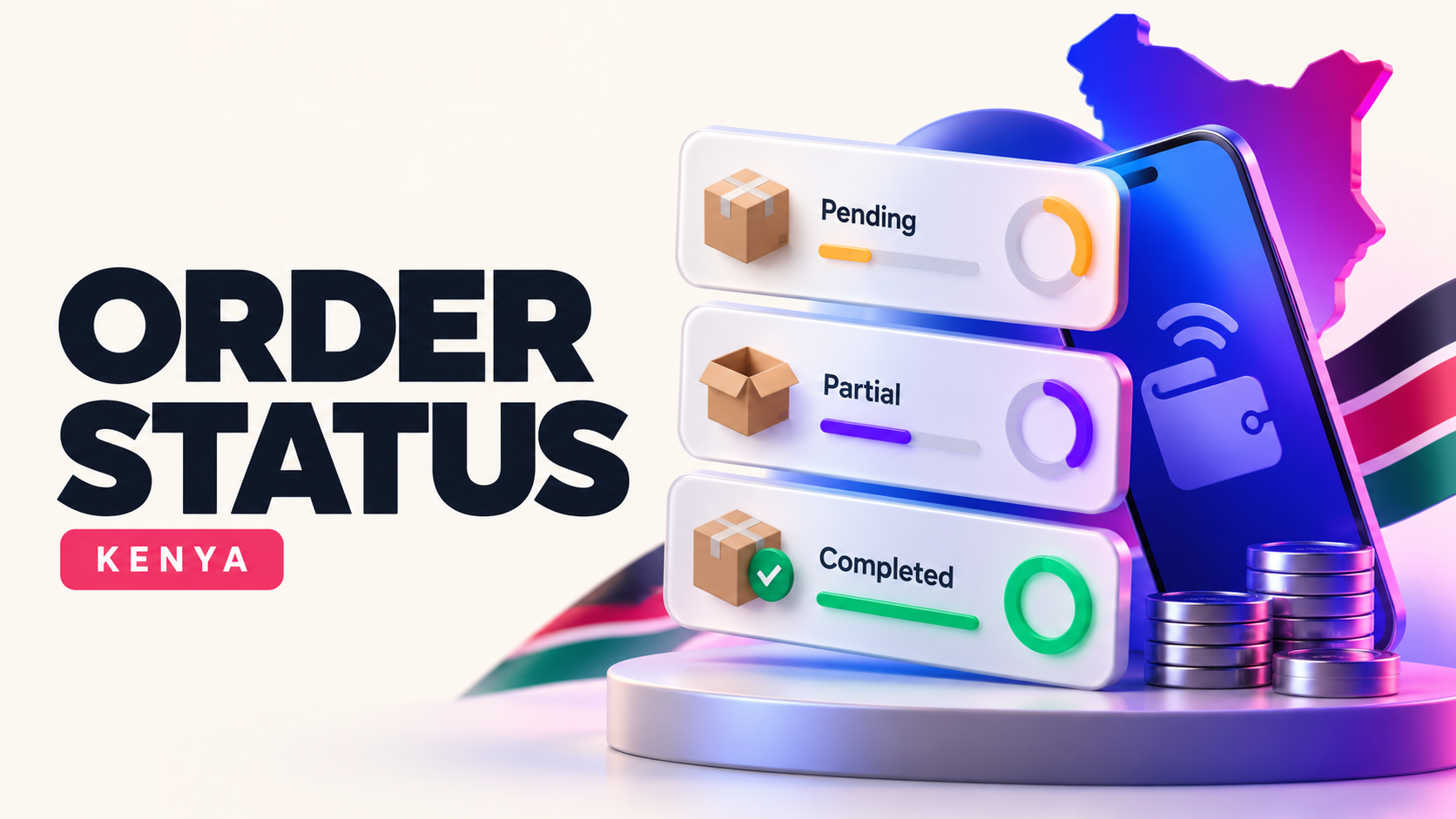
If your M-Pesa receipt is successful but your SMM panel order says Pending, identify which stage each message belongs to. M-Pesa proves a payment event; a panel order ID proves a service request; neither proves delivery. Keeping those records separate is the fastest way to diagnose a stalled order in Kenya.
Trace the sequence from KES to delivery
Write down the M-Pesa confirmation code, the exact KES amount, the panel wallet credit (if the panel uses a wallet), and the service order ID. A wallet top-up may be followed by a separate “place order” step. Confirm the target URL and quantity on that order. Never share your M-Pesa PIN, social-media password or OTP with panel support.
Our Kenya SMM panel comparison explains how to compare service terms before the purchase. Here the focus is what to do after the order exists.
Read status labels as operational signals
- Pending: accepted by the panel, usually not yet started.
- Processing/In progress: delivery has begun or is queued in the supplier workflow; an exact arrival time is not implied.
- Completed: the panel says the order reached its completion condition; independently check the count and quality.
- Partial: some quantity may have been delivered, with the remainder handled under the service's terms.
- Canceled: delivery did not proceed; check how any balance adjustment is recorded.
These are common industry meanings, not a promise about TetherFlux's exact internal workflow. Save the provider's service description when you order. In a partial case, compare ordered quantity with delivered quantity, then check whether the undelivered value went to a panel wallet. Do not assume a credit will reverse automatically to M-Pesa.
Example: a partial Kenyan order
Suppose an order for 500 units delivers 300 and is marked Partial. The outstanding quantity is 200. Capture the starting count and end count before requesting a recalculation; public platform counts can fluctuate independently. Ask support whether the 200 units are refundable, refillable or excluded under the service terms. Then check your panel transaction history for a KES credit. This is an illustration, not a stated TetherFlux policy.
A support message that avoids extra delays
Include your order ID, target public link, service name, timestamp, starting count, present count, the M-Pesa reference if payment is in question, and a screenshot of the status. One clear issue per ticket is easier to resolve than multiple overlapping orders. If the maximum stated start time has passed, say so. If the order says Completed but the target shows no change, ask for an investigation—not an immediate duplicate order.
For a cross-border comparison, see the Nigeria order-status guide. The status vocabulary may transfer, but KES pricing and M-Pesa settlement must be checked in Kenya.
Frequently asked questions
Is an M-Pesa SMS the same as an order confirmation?
No. Confirm the panel wallet or checkout record and look for a separate service order ID.
Does Completed guarantee lasting results?
No. It reports a fulfilment state, not retention, engagement or business performance.
Where does a Partial refund go?
That depends on the provider's written terms. Many panels use wallet credits; do not presume it returns to M-Pesa.
Continue with Tetherflux
Explore services for your next campaign.
Review the current catalogue or create an account to get started.
Related articles
SMM Panel Order Status in Ghana: Pending, Partial, Completed and MoMo Refunds
Understand common SMM order labels in Ghana, and separate MoMo payment confirmation from delivery and refund status.
SMM Panel Order Status in Nigeria: Pending, Partial, Completed and Refunds
Understand SMM panel order statuses in Nigeria: Pending, Processing, Completed, Partial and Canceled. Check delivery, remains and refunds before reordering.
SMM Panel Refill vs No Refill in Nigeria: What the Terms Really Mean
Understand refill windows, drops, partial orders and refunds before comparing SMM panel services in Nigeria. Includes a simple cost-and-risk checklist.